


Enterprise backup and recovery. Without the enterprise costs.

Back up Microsoft 365, Entra ID, Google Workspace, endpoints and servers from one platform, without the infrastructure, complexity and cost of traditional backup.

Under 250 employees? See small business plans →
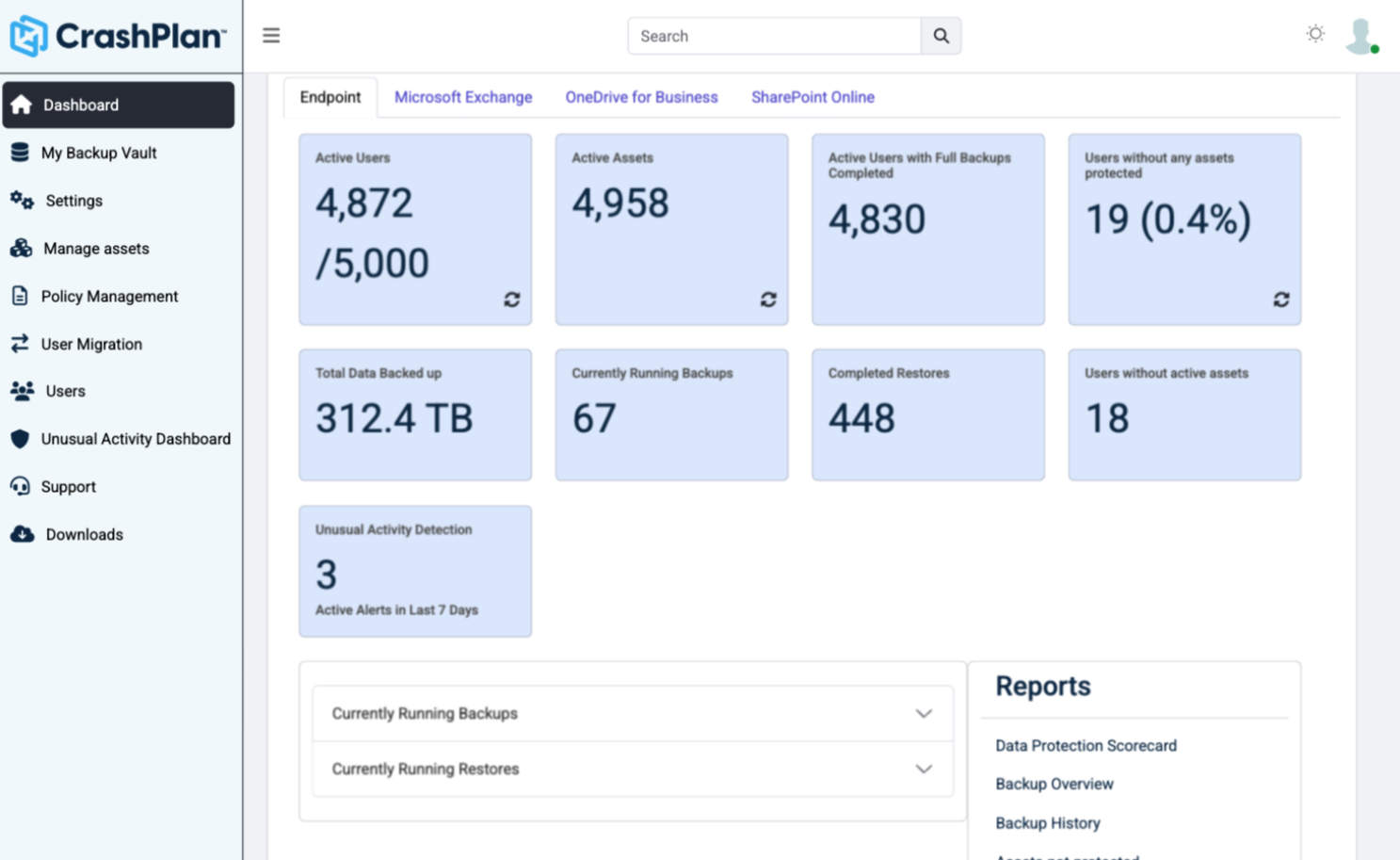
CrashPlan console dashboard showing protected assets and backup activity Microsoft 365 Google Workspace Endpoints Servers
100B+
files restored annually
1M+
devices actively backing up
Microsoft Solutions Partner

Backup for Microsoft 365, Entra ID, Google Workspace, endpoints and servers

Multiple workloads. One backup and recovery platform. Select a workload to see what CrashPlan backs up.

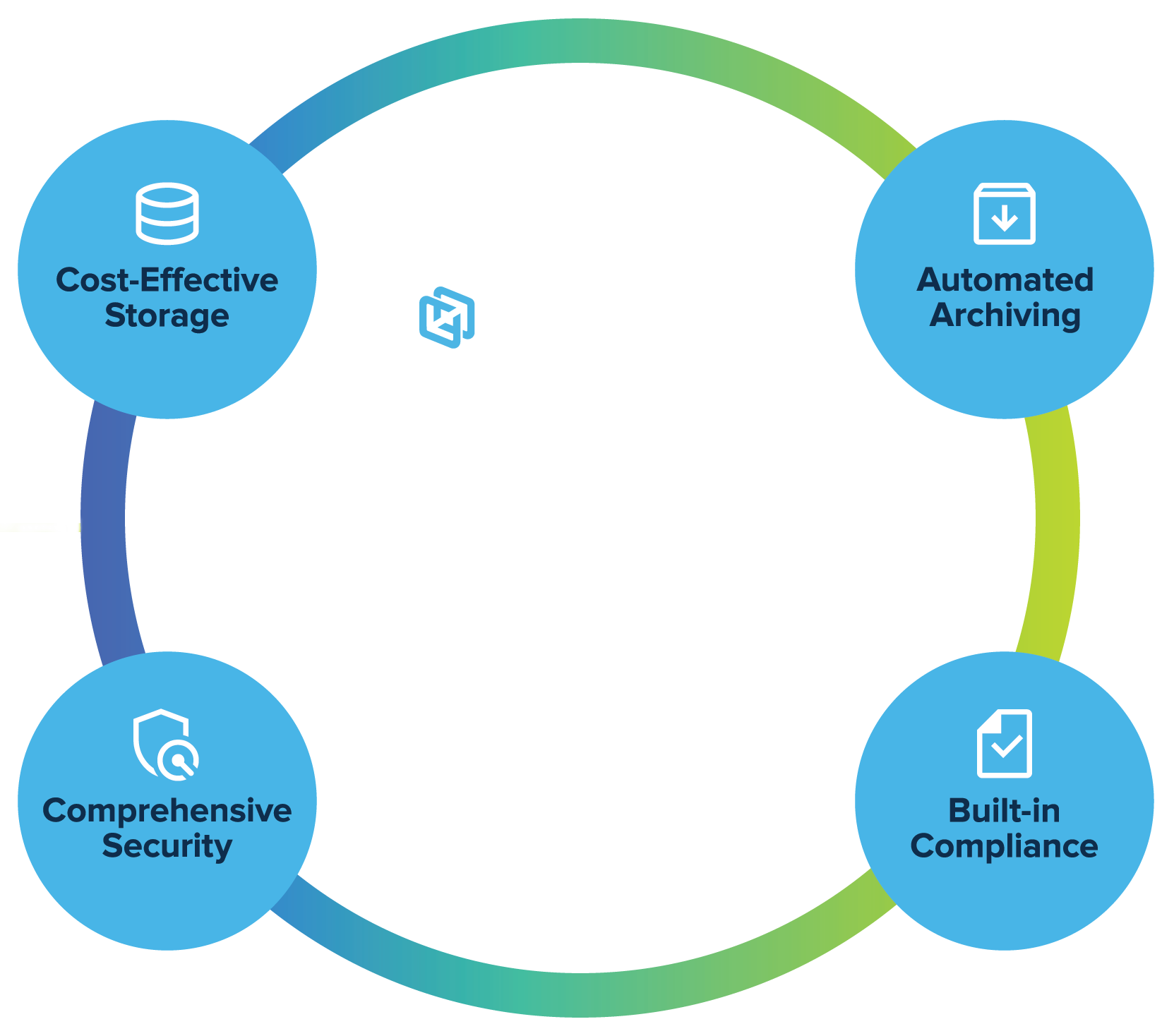
CrashPlan Backup & Recovery Platform: cost-effective storage, automated archiving, comprehensive security and built-in compliance

Microsoft 365

Back up SharePoint, OneDrive and Exchange, and archive inactive data to cut Microsoft storage costs.

Explore Microsoft 365 backup →

Entra ID

Back up users, groups, roles and policies. Compare point-in-time snapshots and roll back unwanted changes.

Explore Entra ID backup →

Google Workspace

Back up Gmail and Google Drive with unlimited retention and versioning beyond Google’s native limits.

Explore Google Workspace backup →

Endpoints

Back up laptops and desktops automatically, without disrupting users, and restore a file or a whole device.

Explore endpoint backup →

Servers

Back up files, folders and system state, and pay for the data you protect, not the number of servers.

Explore server backup →

Eliminate unnecessary costs from your storage and backup bill

CrashPlan makes backup and recovery simpler, and delivers cost optimizations throughout the backup lifecycle that drive lower TCO.

60%+

Off your Microsoft 365 bill

Archive inactive Microsoft 365 data while keeping it protected and recoverable, eliminating storage overage charges.

Estimate your savings →
50-70%

Lower server backup costs

Pay based on protected data capacity, not the number of servers you run.

See how Hyatt did it →
$0

Extra for unlimited retention

Pay for the source data you protect, not accumulated backup storage. Unlimited retention and versioning at no extra cost.

Choose

Where your backups live

Choose CrashPlan-managed storage in Azure, our low-cost data centers, or bring your own storage to match cost, infrastructure and governance requirements.

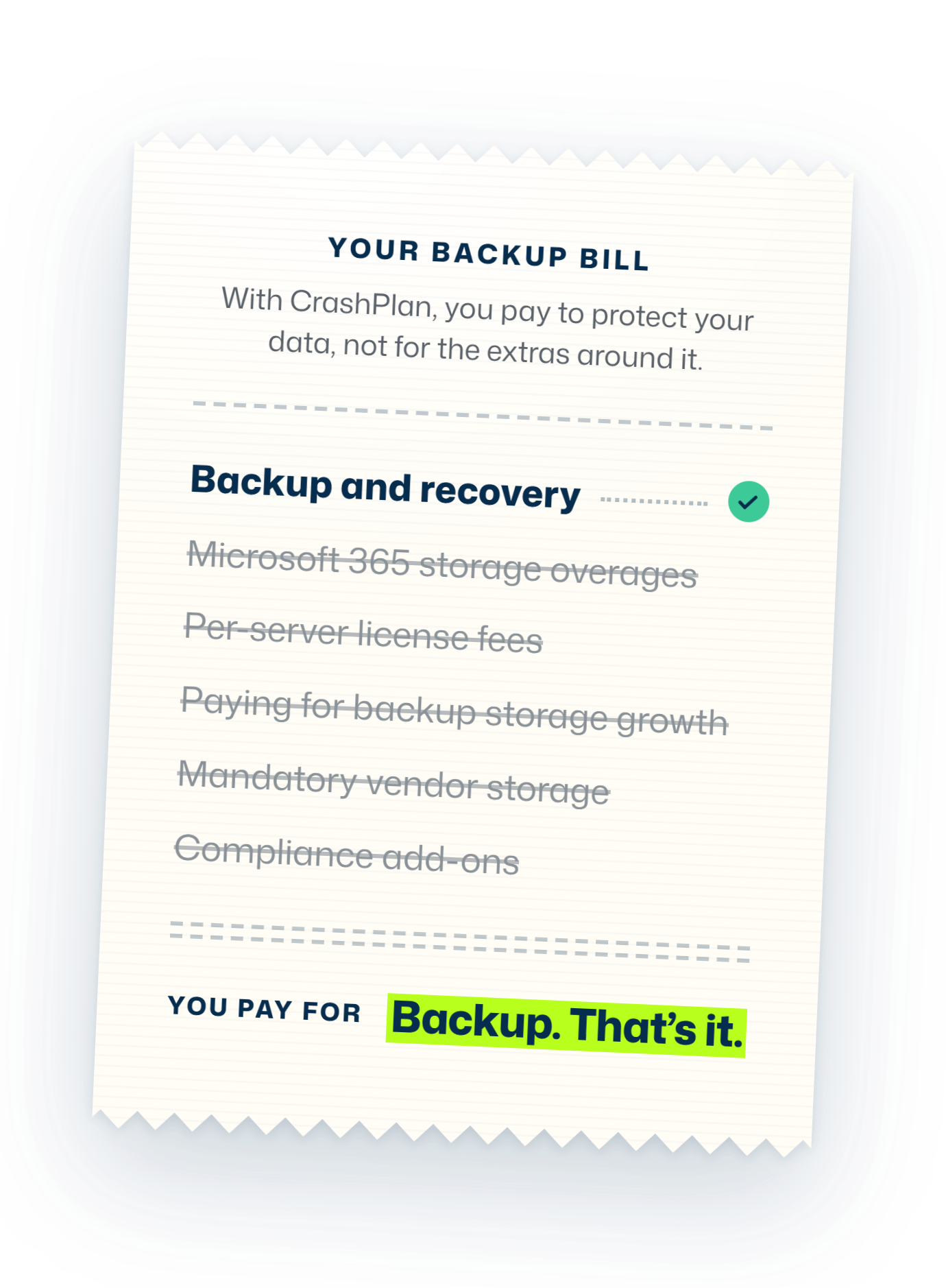
Your backup bill: backup and recovery without the extra costs

Your backup bill

With CrashPlan, you pay to protect your data, not for the extras around it.

Backup and recovery
  • Microsoft 365 storage overages
  • Per-server license fees
  • Paying for backup storage growth
  • Mandatory vendor storage
  • Compliance add-ons
You pay forBackup. That’s it.

Built In

Legal hold & eDiscoveryNo separate compliance tool
Indexed searchFind any file or email fast
Point-in-time Entra ID recoveryCompare and roll back changes
Full SharePoint site recoveryRestore a whole site at once

Top-rated by G2 users for backup and recovery

In G2’s seasonal reports, CrashPlan earned the highest scores amongst our peers in the categories that shape real backup operations.

Read reviews on G2 →
“Best solution for SharePoint and OneDrive archiving. Big storage cost savings.”
Kevin S. IT Head, Enterprise (1,000+ employees)
“Lightning-fast backups with exceptional end-user protection.”
Nishant C. End User Manager, Enterprise (1,000+ employees)
“Fast, easy backups and restores with top-notch support.”
Alaa S. CISO, Mid-market (51-1,000 employees)

Fast Backups and Restores with a Smooth, Same-Day Go-Live

The rate at which backups happen is quite fast, and restores are also very quick. The implementation was very smooth, and we were able to go live in less than one day.
Anoop S. It Manager · Mid-Market

Seamless Microsoft Integration with Reliable Backup

I like that CrashPlan Platform keeps the user experience the same, ensuring that end users’ workflows aren’t interrupted. I appreciate that it allows us to avoid buying more Microsoft storage while archiving documents. The backup capabilities provide full redundancy for our Microsoft environment.
Lora F. Deputy Chief Information Officer · Enterprise

Strong Backup and Version Recovery for Business Data

CrashPlan Platform provides reliable file versioning, point-in-time recovery, and in-place restore capabilities that make recovering user data simple. The backup process is fast, supports multiple file types, and the management console is straightforward for daily administration.
Dhivagar S. Administrator · Mid-Market

How CrashPlan protects and recovers your data

Lower cost doesn't mean a thinner safety net. Here's what CrashPlan does when something goes wrong.

Recover clean data after any loss

Backups are encrypted, access-controlled and stored separately from your production environment. Restore a clean copy after ransomware, accidental deletion or any other data loss.

Learn more →

Recover 2-5x faster

Restore a single file, email, folder or SharePoint site, roll Entra ID back to a point in time, or recover complete systems. Granular and self-service restore get users working again without waiting on IT.

Learn more →

No backup servers to run

CrashPlan was built for the cloud from the start. Add workloads and scale without new infrastructure, and meet data residency requirements without legacy software retrofitted for the cloud.

Learn more →

One console for every workload

Manage protection and recovery for Microsoft 365, Entra ID, Google Workspace, endpoints and servers from one place. Central policies keep protection consistent across the organization.

Learn more →

Simplify compliance and data governance

Built-in retention, legal hold and eDiscovery help IT preserve, find and manage protected data without adding separate tools or workflows.

Learn more →

Security & compliance

What CrashPlan changes for IT teams and finance

IT Director

Reduce risk without adding operational drag.

Know what is protected, how it can be recovered, and where gaps remain. Give leadership evidence around resilience, cost and governance, not just assurance that backup jobs ran.

IT Practitioner

Spend less time babysitting backup.

Centralize routine protection, monitoring and recovery work so backup tickets displace less of the infrastructure and modernization work your team needs to do.

Microsoft 365 Administrator

Add recovery control beyond native Microsoft 365 capabilities.

Protect Microsoft 365 data with an independent backup layer and give your team a clearer path for retention, recovery and cost management.

Finance

Make the economics of data protection easier to defend.

Connect backup and retention decisions to storage expense, operational efficiency and measurable business value.

Frequently asked questions

What types of customers does CrashPlan serve?

CrashPlan has customers across all industries and size of business, from small business to the very largest enterprise. To learn more about our small business solution, visit small business plans

What does CrashPlan back up?

CrashPlan protects data across Microsoft 365 (SharePoint, OneDrive, Exchange), Entra ID, Google Workspace (Google Drive, Gmail), endpoints (Windows, Linux and MacOS), and servers (Windows and Linux). You can manage protection and recovery across these workloads from the CrashPlan platform.

Does Microsoft 365 already back up my data?

Under their shared responsibility model, they only guarantee platform uptime, not data recovery. The Microsoft 365 Recycle Bin was never intended for full recovery, and leveraging these native features results in slow, partial and unreliable recovery, resulting in data loss and compliance gaps.

How is CrashPlan different from other backup solutions?

CrashPlan combines enterprise-grade backup and recovery with features designed to reduce cost and administrative effort. Differentiators include Microsoft 365 archiving, source-data metering, flexible storage options, no per-server licensing, built-in legal hold and eDiscovery, and granular recovery capabilities.

How does CrashPlan help reduce backup costs?

CrashPlan is designed to reduce costs across storage, infrastructure, licensing, and administration. You can archive inactive Microsoft 365 data to reduce storage overages, pay based on protected source data rather than accumulated backup storage, avoid per-server licensing, and choose the storage option that best fits your environment.

Where is my backup data stored?

CrashPlan gives you flexibility in where backup data is stored. Depending on the workload and deployment, you can use CrashPlan-managed storage in Microsoft Azure, CrashPlan data centers, or your own supported storage to meet cost, infrastructure, and governance requirements.

How does CrashPlan make recovery easier?

CrashPlan supports granular recovery so you can restore what is needed without recovering an entire environment. Depending on the workload, capabilities include individual file and email recovery, full SharePoint site recovery, self-service recovery, and point-in-time Entra ID comparisons.

Does CrashPlan support legal hold and eDiscovery?

Yes. Built-in legal hold, retention, and eDiscovery capabilities help organizations preserve and find protected data without maintaining separate backup and compliance workflows.

How much infrastructure does CrashPlan require?

CrashPlan is delivered as a cloud-native SaaS platform, reducing the backup infrastructure your team needs to deploy, patch, and maintain. Centralized policies and management also help reduce day-to-day administrative work.

Get a quote based on the data you actually protect

Tell us what you protect, how you recover today, and where backup is creating cost or operational drag. We’ll show you how CrashPlan fits your workloads and operating model.

Under 250 employees? See small business plans →