ACT NOW
Move from Code42 without disrupting endpoint protection
Code42 Endpoint Backup ends December 31, 2026. Start now to protect your backup archives and preserve recovery options.
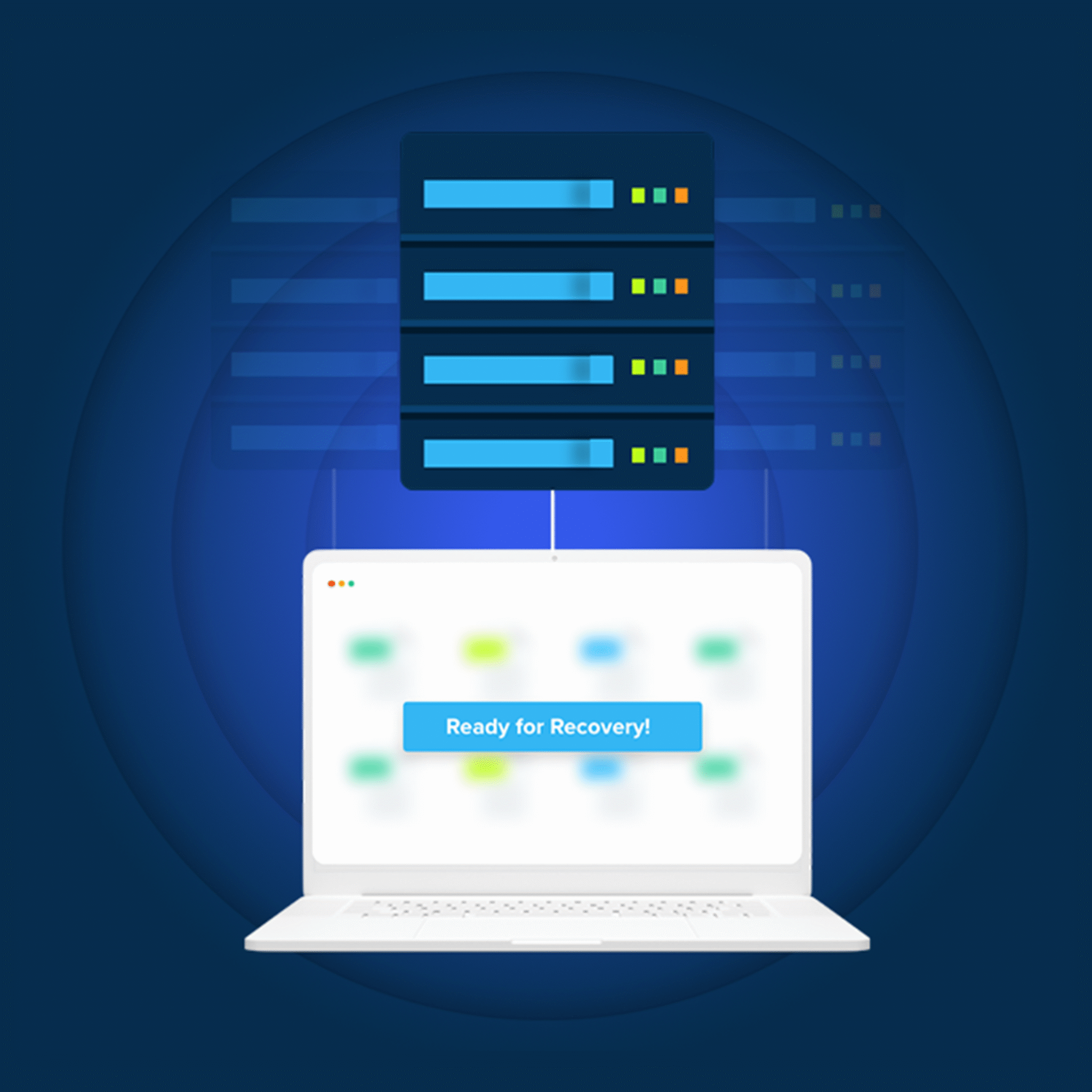

Code42 Endpoint Backup ends December 31, 2026. Start now to protect your backup archives and preserve recovery options.
When Code42 Endpoint Backup reaches end-of-life, existing backup archives will be deleted and a new data protection solution becomes unavoidable.

The endpoint backup fundamentals you expect
CrashPlan began under Code42, and we are now an independent company that continues to deliver the familiar endpoint backup solution your team trusts.
Everything you rely on remains in place, with the added confidence of continued improvements and dedicated, world-class support.
Your users stay protected and your workloads stay intact
• Continuous endpoint backup
• Support for Windows, macOS and Linux
• File versioning and point-in-time restore
• Strong encryption and role-based access controls
• Legal hold
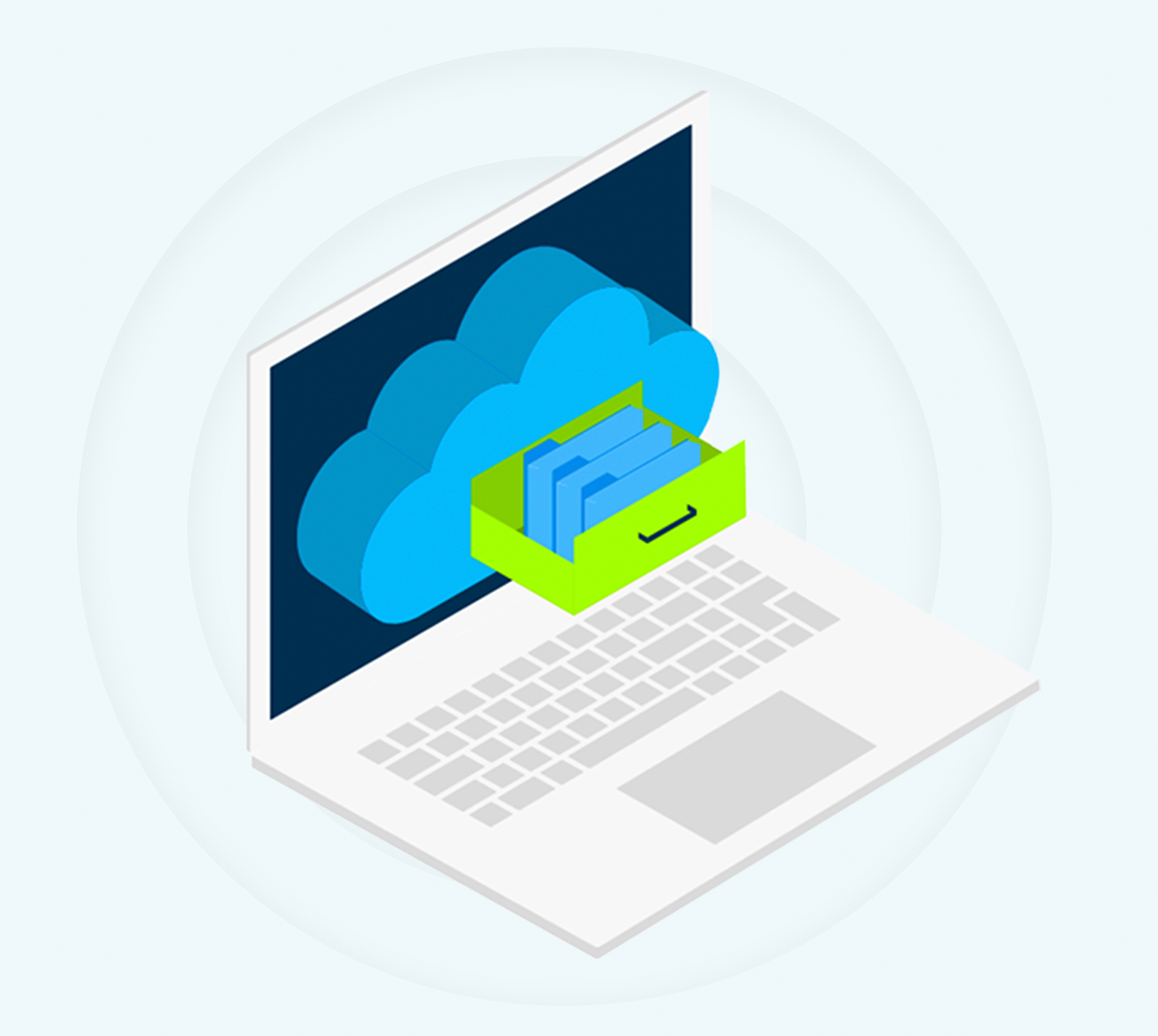
CrashPlan supports policy-driven, indefinite retention of deleted files, enabling deeper recovery and long-term data preservation. It’s all included in our unlimited data plan.

CrashPlan’s unlimited backup has no file size limits, file type restrictions, or hidden exclusions. IT controls what gets protected, without worrying about caps, overages, or silent policy constraints. What you choose to back up stays backed up.

Legal hold is effective because the underlying data — including deleted files and historical versions — is retained and available when needed. You can easily manage your legal matters right within our interface.

CrashPlan is focused on data backup and recovery, and is actively supported and developed by an experienced team of data resilience experts. We’re also expanding our coverage of data workloads and support Microsoft 365 and Google Workspace. With CrashPlan, you have options to protect your user data in the cloud, not just on endpoints.
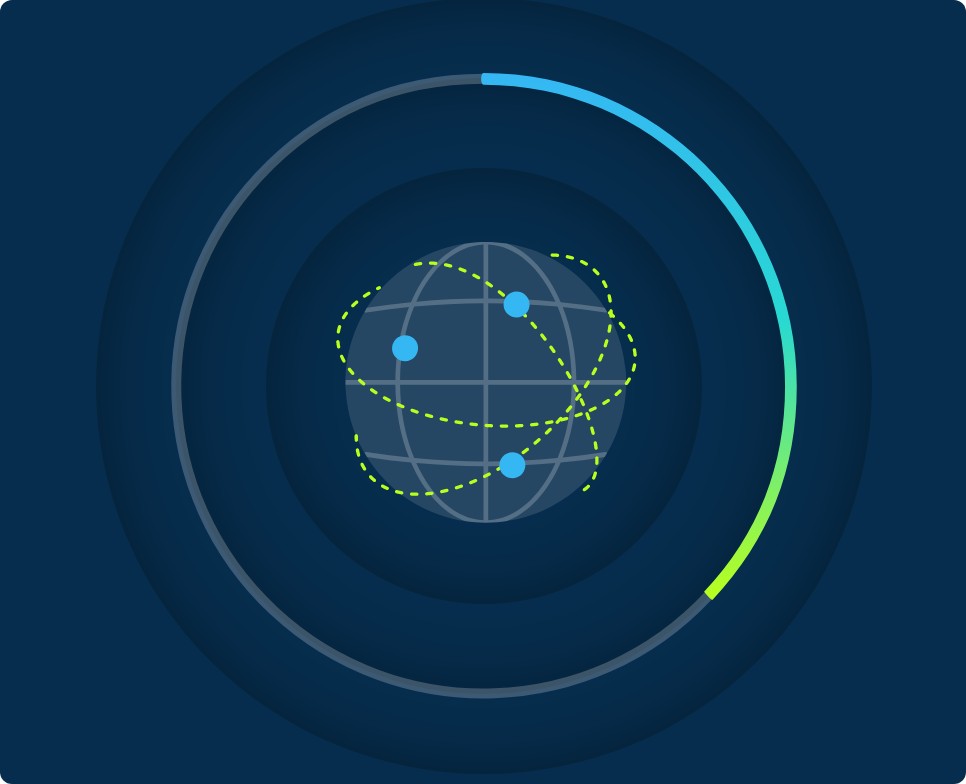
In addition to our data centers, CrashPlan now supports storing your backups in Azure data centers worldwide, giving you flexibility to meet data residency and compliance requirements. Choose the region that aligns with your organization’s needs while maintaining consistent performance and security.
We know this move isn’t optional — and that’s exactly why CrashPlan supports it end to end.
Our goal is simple: help you move safely, with minimal disruption, and no surprises.
CrashPlan helps IT teams protect endpoint data before, during, and after your transition — without compromising recovery depth or compliance posture.
CrashPlan is built to minimize operational overhead before, during, and after your transition.
CrashPlan preserves the same features you have relied on from Code42 — for example, legal hold, device migration, encryption in transit and at rest, and support across Windows, macOS, and Linux — and we’ve added some new capabilities. This includes support for Azure storage locations globally, as well as options to back up additional workloads, including Microsoft 365 and Google Workspace.
Yes. Customers can choose which data to back up, how frequently to back it up, and how many versions to retain, between 1 day and forever.
There is no limit on file size, volume of data, or overall data storage from your endpoints.
Worldwide. We have data centers in America, Australia, Europe, and Asia, and we can use a specific Azure storage target if that is required for data residency or other compliance needs.
We have a recommended set of exclusions that maximizes performance, but customers still have control over which files they want to exclude.
Our support team will assist with writing exclusion changes to meet your needs, and these can be easily updated.
CrashPlan allows customers to delay agent upgrades for up to 60 days. The upgrades are seamless and do not interrupt end-user productivity.
CrashPlan is typically day-1 ready for operating system releases, so you can rely on data protection during operating system upgrade projects and endpoint encryption projects. We aim to support new operating system versions within 30 days of their release into general availability.
Installing the CrashPlan agent will automatically remove the Code42 agent and wipe the identity files, ensuring a clean install and continuous data protection.
CrashPlan is uniquely positioned to help customers preserve their data currently stored with Code42. We have programs designed to restore your Code42 data into a secure storage location, maintaining data compliance based on our customers’ needs. Our deployment process ensures that all devices are protected while data recovery is performed independently.
The time needed to perform restores will vary depending on the volume of data and data types, but CrashPlan can guide customers through the process to ensure the outcomes meet their compliance needs.
CrashPlan can integrate with your MDM to push out the CrashPlan agent. Scripts currently used with Code42 should work with minimal modifications; our Professional Services team will assist with any needed edits.
Once user identification is tested and confirmed, the CrashPlan agent can be deployed seamlessly to displace the Code42 backup agent. Backups will start immediately.

