









Backup and Recovery for Microsoft 365


Cut storage costs. Recover faster.


Microsoft does not back up your data. Long-term data retention and recovery are your responsibility.

CrashPlan helps you:

  • Automatically back up all of your Exchange Online, OneDrive, and SharePoint data to the cloud
  • Be audit-ready with built-in compliance, legal hold, and eDiscovery
  • Recover faster with granular email, file, and SharePoint site restore
  • Onboard easily through a straightforward setup wizard and configurable default backup policies

Start Your 14-day Free Trial


This email address is already in use. Contact our Support Team for help.
By clicking Continue, you acknowledge you're accepting our Terms & Conditions

Pricing starts at $4/user/month.

For 250+ employees, contact sales for a customized quote.

Did you know?

Microsoft doesn’t back up your data. You do.

Microsoft’s shared responsibility model only guarantees platform uptime, not data recovery. Without the right protection, data loss turns into data chaos. The result? Higher cost. Missed RPO and RTOs. More risk.

Complete Backup in the Cloud with 100% Security


Protection from ransomware

Regulatory compliance and governance

End-to-end encryption

Policy-based management

Legal hold and eDiscovery features

Incremental backups forever

The easiest and most reliable backup for businesses

Reduce risk

Safeguard your organization with secure backups built with a zero-trust approach. Rapidly recover from ransomware, deletion or corruption; reduce legal risk with built-in legal hold; and confidently meet stringent regulatory compliance requirements, including SOX, HIPAA, and GDPR.

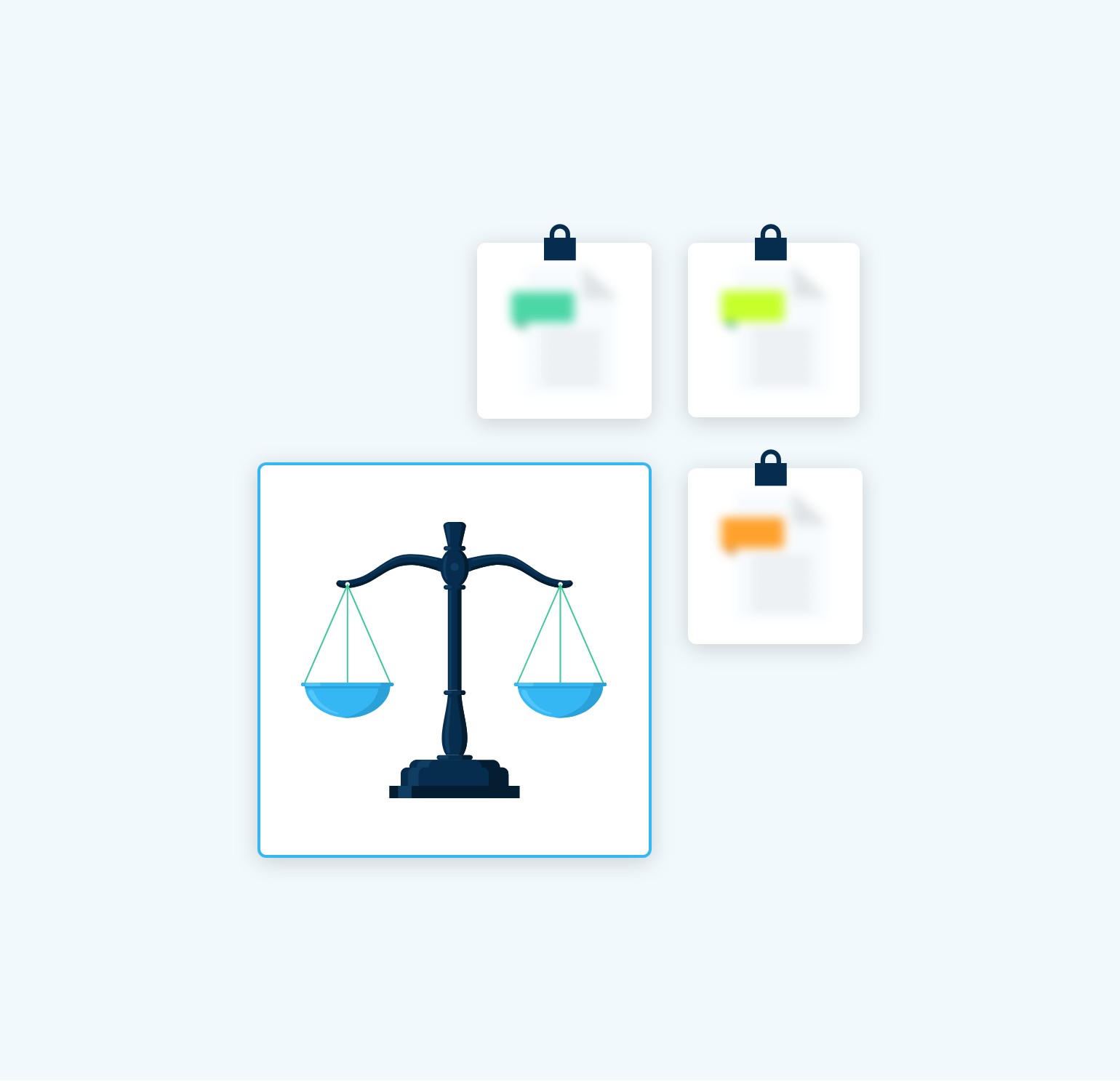
Scales icon selected in a menu of locked and blurred squares
Increase Productivity

Boost productivity for your IT team with an intuitive management console and smooth integrations with authentication, provisioning, and SSO tools. Enable end users to restore their own data and quickly find exactly what they need through advanced search features, reducing user downtime and IT workload.

Maximize efficiency

Optimize your storage with advanced deduplication, file compression, and customizable retention policies. Our patented backup-to-OneDrive capability gives you the option to securely repurpose the storage you’re already paying for with your Microsoft 365 subscription.

Microsoft 365 Backup for Small Businesses

The easiest and most reliable backup for businesses

Scales icon selected in a menu of locked and blurred squares
Reduce risk

Safeguard your organization with secure backups built with a zero-trust approach. Rapidly recover from ransomware, deletion or corruption; reduce legal risk with built-in legal hold; and confidently meet stringent regulatory compliance requirements, including SOX, HIPAA, and GDPR.

Increase Productivity

Boost productivity for your IT team with an intuitive management console and smooth integrations with authentication, provisioning, and SSO tools. Enable end users to restore their own data and quickly find exactly what they need through advanced search features, reducing user downtime and IT workload.

Microsoft 365 Backup for Small Businesses
Maximize efficiency

Optimize your storage with advanced deduplication, file compression, and customizable retention policies. Our patented backup-to-OneDrive capability gives you the option to securely repurpose the storage you’re already paying for with your Microsoft 365 subscription.

Financial Services
VP, IT Infrastructure

No More Worries

“Before we discovered CrashPlan, we needed help with the security of our Exchange data. Microsoft’s limitations left us vulnerable, and we constantly worried about our data safety. With CrashPlan’s robust features, our Exchange data is now safely backed up and protected.”

Product Review
Expert Insights

Flexible and Granular

“CrashPlan is a great solution for organizations with upwards of 100 users, that require granular control and detailed backup information, to ensure adherence with regulatory or compliance standards. A standout feature of CrashPlan is its ability to either backup data to CrashPlans’ Azure storage or for the customer to utilise their own storage and backup to AWS, Google or an on-premise server. ”