If you own a small business or lead a business’s IT team, you know the importance of cyber resilience. Whether it’s customer information, payroll, projects, or digital documentation, you need continued data resilience to best serve your customers and employees. Without an IT disaster recovery plan, this data could be lost without any hope of getting it back.
Instead of leaving your business vulnerable to disasters, you can create a disaster recovery plan that safeguards your data and ensures your employees know what to do in the event of data loss.
What Is a Small Business Disaster Recovery Plan?
Disaster recovery plans for small businesses outline how a company will recover key equipment, supplies, and data after a crisis. Some of the most common crises a disaster recovery plan will prepare for include accidental data loss, cyberattacks, and natural disasters. As a subcategory of disaster recovery plans, an IT disaster recovery plan is a step-by-step guide that protects and restores your data and digital assets before, during, and after a disaster.
With a well-thought-out disaster recovery plan, you’ll prioritize the most dangerous risks and your most valuable hardware or software assets. You’ll also identify key personnel whom you trust to be responsible for implementing a fast response to an IT disaster. This plan should also select a disaster recovery site and establish procedures for data backup, disaster recovery, and data restoration.
8 Steps to Build Your Small Business IT Disaster Recovery Plan
Given the importance of recovering lost data during a disaster, many small businesses work with their IT teams to build a data disaster recovery plan. Some of the top benefits of a disaster recovery plan include faster recovery times, reduced worker downtime, and decreased data loss. To receive these disaster recovery plan benefits, here are the eight main steps you’ll need to follow when creating a small business IT disaster recovery plan:
1. Audit and Document Key Hardware, Software, and Data Assets
Before you begin building the rest of your plan, start by auditing the IT resources you use for your business. As you identify the different components of your network infrastructure, list out all your network resources and the data they contain. Doing so will help you find important data you need to back up in the event of an emergency, while also identifying redundant or unnecessary data that you can remove from your system.
2. Identify Essential Operations
During an IT disaster, key resources will likely go offline as you work to resolve the issue. Knowing what these resources are can help you ensure your most important data and backups are stored, and where, and that your team prioritizes the right resources you’ll want to recover as soon as possible. The essential operations you will want to protect include critical data, cloud services, hardware, network equipment, and software.
3. Find the Primary Risks Facing Your Business and Industry
A solid IT disaster response plan will identify the primary risks facing your business. For example, your industry might face a higher risk of cyberattacks due to the valuable data on your network, or you could be at a higher risk of user error that leads to data loss. Whatever the risks facing your business, identifying and documenting them can give you the guidance you need to prevent disasters in the first place or respond to them more effectively.
4. Assemble a Disaster Response Team and Assign Responsibilities
When an IT disaster occurs, it can cause more damage and shut down key operations for longer if your team doesn’t know what to do. As a result, you’ll want to assign team members to various roles and document their responsibilities during an IT disaster. Besides assigning various tasks to team members, you’ll want to include how communication should be handled and who your team should go to for guidance based on the type of IT disaster.
5. Determine Your Recovery Goals
With your team assembled, it’s time to identify your recovery time objective (RTO) and recovery point objective (RPO). The RTO will determine how long your business can operate without IT services and establish deadlines for team members to restore IT resources in a disaster, which can guide which. For your RPO, you’ll determine what data you can afford to lose due to a disaster, as this can guide what data you must have backed up and recover first. Your RPOs and RTOs will give your team direction on what to recover first and how quickly you expect them to restore key resources.
6. Prioritize Your Data
Just like how you’ll prioritize your most important network resources, you’ll also want to do the same with your data. While you sort through your data, you’ll likely want to prioritize the data your business needs to restore operations after a disaster.
7. Use a Cloud-Based Data Storage Solution
If you keep all your data onsite on your servers and only back it up to local drives, you’ll leave it extremely vulnerable to cyberattacks. With a cloud backup solution, you’ll store easily accessible backups to reduce the risk of malicious cyber criminals stealing, corrupting, or ransoming your data.
One of the most thorough and secure IT disaster recovery solutions is an endpoint backup solution, as this type of cloud backup can automatically back up your data throughout the day and store it on secure servers. These solutions also make it easy to quickly restore critical data once you’ve eliminated malware from your network or dealt with another disaster. With a quick recovery time and a secure data backups, you can reduce business disruptions and avoid paying ransoms to restore your data.
8. Regularly Update and Test Your Data Recovery Plan
While building a thorough data recovery plan is important, it’s not something you’ll want to forget once you’ve created. Since malicious software constantly evolves, you’ll want to review and adjust your data recovery plan regularly to stay current. You’ll also want to regularly run disaster recovery drills with your team to ensure they know what to do during a real disaster.
Choose CrashPlan for Your Endpoint and Microsoft 365 Backup Needs
CrashPlan helps small businesses reduce operational disruption by protecting critical business data and enabling fast, reliable recovery after data loss events. Whether data lives on employee devices or in Microsoft 365, CrashPlan supports policy-driven backup and recovery that prioritizes recoverability and operational control. So you can restore data quickly when something goes wrong, like accidental deletion, device loss, or any broader IT disruptions.
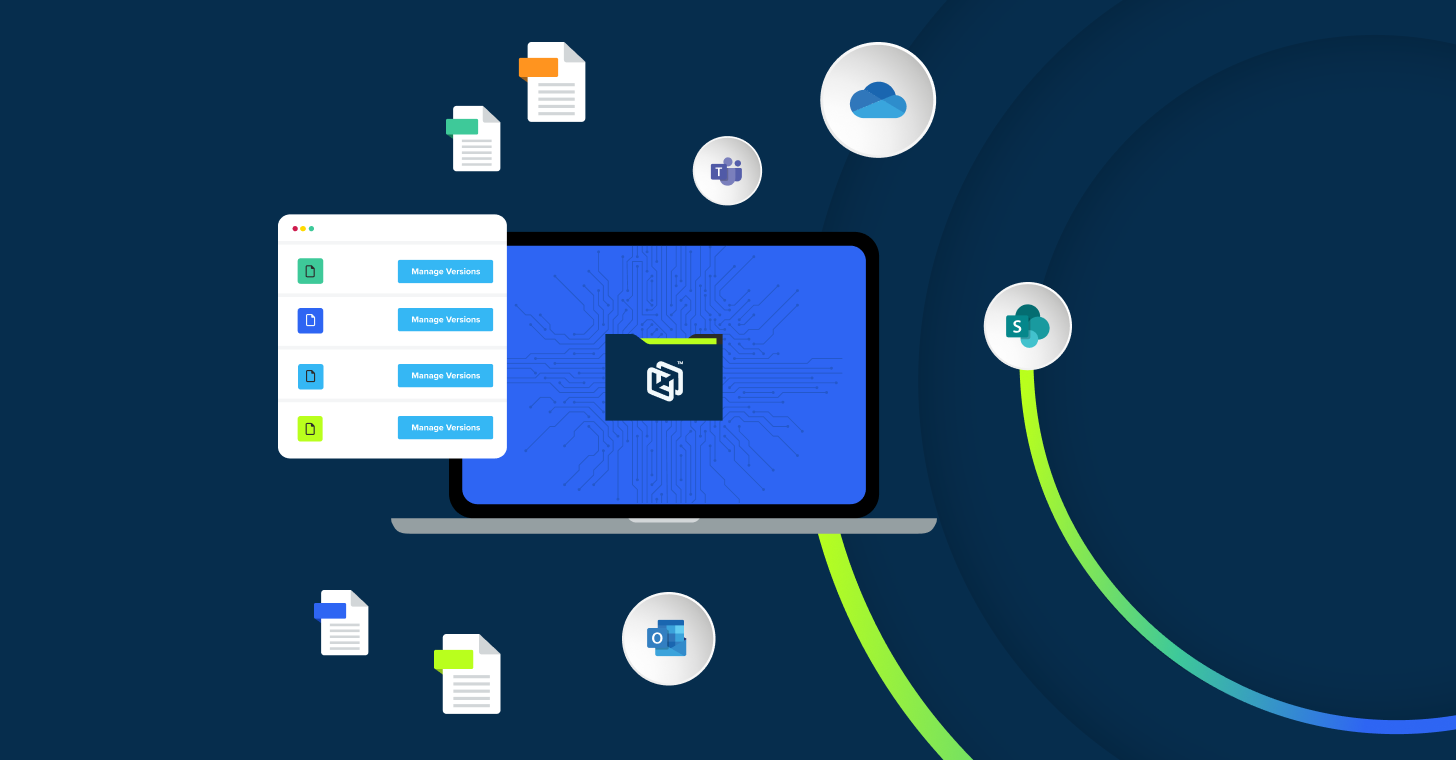
If you want to secure data on employee laptops and desktops (Windows, macOS, and Linux), CrashPlan runs quietly in the background to automatically back up files and keep version history, making restores easy. And if your business runs on Microsoft 365, CrashPlan can smartly protect your cloud data in Exchange Online, OneDrive, and SharePoint (including files shared through Microsoft Teams), so your email and collaboration data is recoverable when you need it.
CrashPlan platform provides broader coverage and better resilience across endpoints and Microsoft 365, where small businesses store their most important data.
Want to see how CrashPlan works in your environment? Start our free trial and validate that your data can be backed up and restored the way you expect: https://smb.crashplan.com/free-trial/.
Frequently Asked Questions
Why do small businesses need an IT disaster recovery plan?
Small businesses need to know that they can recover their data quickly and easily the moment disaster hits and the best way to do that is to be proactive, rather than reactive.
What types of disasters should a disaster recovery plan cover?
Disaster recovery plans should include, but not be limited to: employee rage deletion, cyberattacks, natural disasters, cloud and third-party outages, and IT / infrastructure failures.
What are RTO and RPO in disaster recovery planning?
The Recovery Time Objective (RTO) is the maximum acceptable time for a business to be down after a disaster. For example, an RTO of 1 hour means that everything must be back to normal within 1 hour. When there is a disaster or data loss, the company must recover its data to its original state within an hour to meet the objective.
The Recovery Point Objective (RPO) is the maximum acceptable amount of data loss, based on the time between backups/replication points. For example, an RPO of an hour means that data must be backed up every hour to meet the objective. When there is data loss, it must at most cause the company to lose an hour’s worth of data and no more than that.
Does Microsoft 365 data need to be backed up separately?
Yes. Microsoft 365 does not offer comprehensive backup or restore capabilities with customizable retention.
How does disaster recovery planning differ from business continuity planning?
Disaster recovery planning (DRP) and business continuity planning (BCP) are closely related, but they serve different purposes. Disaster recovery planning focuses on restoring IT systems, applications, and data after an outage or disaster, emphasizing meeting recovery targets such as RTO and RPO through backups, replication, and failover processes. Business continuity planning takes a broader approach by ensuring the entire organization can continue operating during and after a disruption, covering not only IT recovery but also people, critical business processes, communication plans, facilities, and vendor support. In short, DRP focuses on getting technology back online, while BCP keeps the business running overall, with disaster recovery as one part of a comprehensive continuity strategy.
Can disaster recovery plans support remote or hybrid workforces?
Yes. Modern disaster recovery strategies often rely on cloud-based systems, secure remote access, and redundant infrastructure so employees can keep working even if an office or primary location becomes unavailable. This can include tools like VPNs or zero-trust access, remote authentication and identity management, cloud backups and replication, and failover systems that allow critical applications and data to stay accessible from anywhere.
About the Author