Last week at the Microsoft Ignite conference in San Francisco, I had the chance to co-present with Vamshi Kommineni, Microsoft’s GPM of Azure Storage, and spend time with IT and security leaders who are rethinking how they protect and manage Microsoft 365, Google Workspace, endpoints, and servers at scale.
A consistent theme emerged: organizations want modern protection for their SaaS and endpoint data that is cost-efficient, easy to operate, and ready for new use cases like basic e-discovery and AI, without adding complexity to already stretched teams.
Here are some of the most common questions we heard during the conference and how we think about them at CrashPlan:
1. How do customers benefit from a modern, true-SaaS backup architecture?
Over the last decade, CrashPlan has supported some of the largest global organizations. That experience pushed us toward a building a lightweight, cloud-native SaaS architecture rather than a traditional on-premises product migrated to the cloud (e.g. – market it as “SaaS” despite incorporating additional cost and complexity).
For customers, that translates to:
Lower operational overhead – No backup servers or databases (e.g. SQL Server) to manage, patch, or size.
Cost efficiency at scale – A multi-tenant design optimized to run in Microsoft Azure means compute and storage resources are used more efficiently, especially for large, globally distributed environments and we pass those savings on to our customers.
Faster innovation – New capabilities roll out through the service instead of major upgrade projects.
Instead of viewing backup as “software I run” vs. “software I rent,” customers at Ignite were really asking: “How do I get resilient protection that keeps up with the rest of my cloud strategy?” A true SaaS architecture is designed to answer exactly that.
2. Why does it matter that CrashPlan runs in Microsoft Azure?
Running CrashPlan in Azure isn’t just a hosting decision; it affects compliance, performance, and long-term strategy.
Customers and partners told us they care most about:
Consistency and scale – A global Azure footprint helps large, multinational organizations protect data where it lives and scale as needs change.
Security and compliance – Azure regions help organizations support data sovereignty and residency requirements, including GDPR, by enabling them to choose where data is stored and processed.
Alignment with existing investments – Many organizations already standardize on Azure. Using a backup service that runs there, and can also use your own Azure storage, simplifies data governance and cost management.
CrashPlan is architected to leverage Azure compute while still supporting a range of storage locations, providing flexibility.
3. What differentiators matter day-to-day?
Across conversations at Ignite, one truth stood out: backup only matters when you need to restore or investigate something.
Content-aware search and basic e-discovery
CrashPlan’s architecture allows for pre‑ and post‑processing of data, which powers capabilities like:
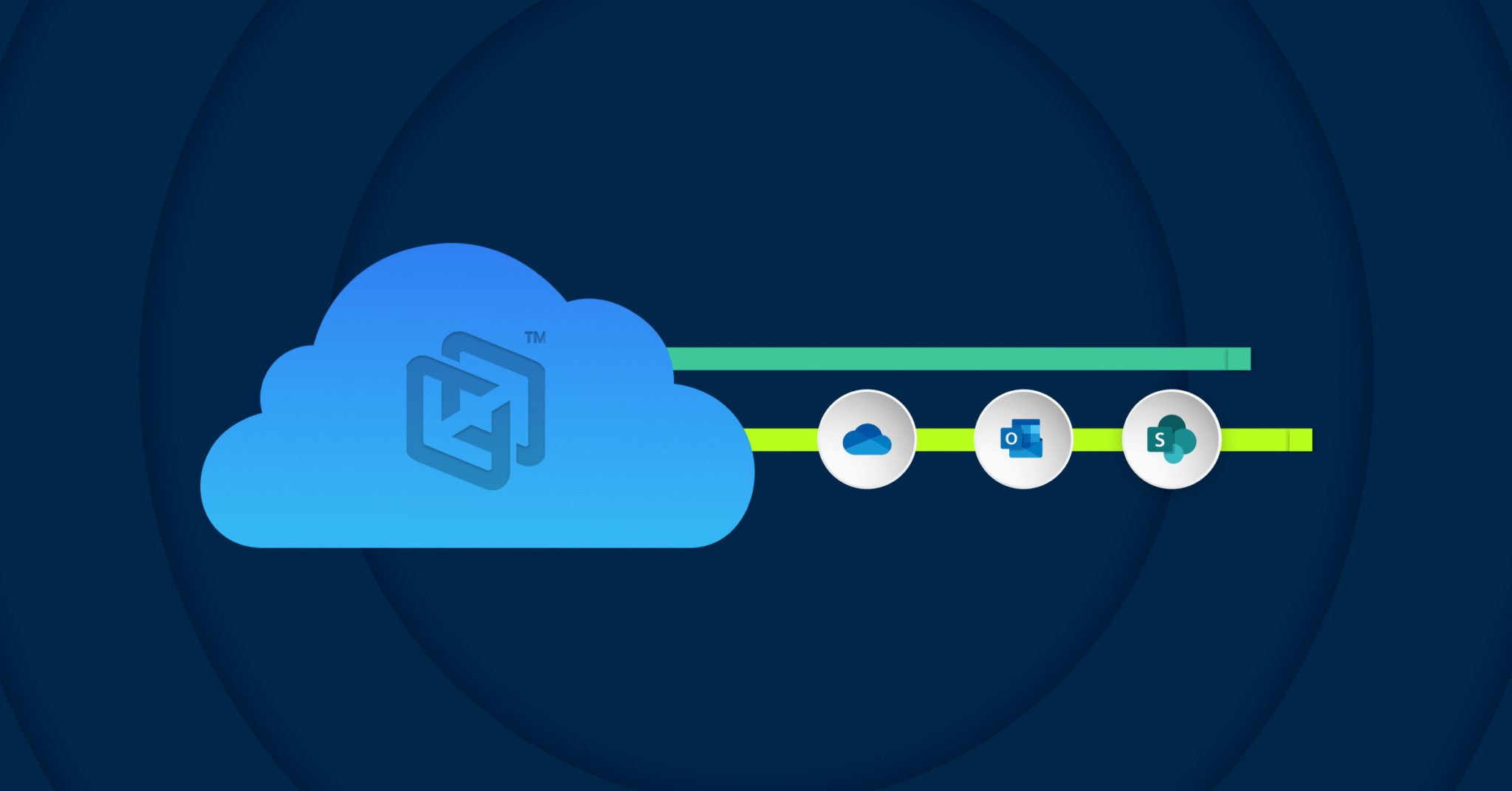
- Content-based search across Microsoft 365 (including SharePoint and OneDrive), Google Workspace, endpoints, and file servers.
- Self-service recovery where users and administrators can quickly find what they need without navigating complex folder structures.
This is especially valuable for legal holds, HR requests, or audits where teams need to quickly locate specific information.
Ease of use for admins and end users
We’ve learned that restoring data shouldn’t be a multi-step, high-stress project. The most-used workflows—backup configuration and restore—are designed to be:
- Simple enough for self-service restores when appropriate.
- Fast and guided for admins handling larger or more sensitive recoveries.
Independent reviews reinforce this: in G2’s comparisons of more than 170 online backup products, customers rate CrashPlan among the highest for Ease of Use, Storage Capacity, Quality of Support, Security Standards, and Meeting Requirements.
The key point for prospective customers: you’re not just buying features—you’re buying how those features perform when it matters.
4. How does CrashPlan compare to other solutions?
Many attendees asked us to “cut through the marketing” and talk about real-world performance. Rather than relying solely on vendor claims, we often cite independent sources.
G2 gathers feedback directly from thousands of verified administrators using online backup products. Across their latest reports, CrashPlan consistently ranks at the top of categories IT and security leaders care about: usability, support quality, security posture, and ability to meet requirements at scale.

The takeaway isn’t that every other product is lacking—it’s that real administrator experience is a valuable input into evaluating your options.
5. What does “Freedom of Storage” really mean?
Storage strategy came up in almost every conversation at Ignite. Many organizations want backup to align with the storage investments they’ve already made.
CrashPlan’s Freedom of Storage approach supports several patterns:
- CrashPlan-managed storage – Cost-optimized storage hosted in Azure regions or CrashPlan datacenters.
- Use your existing Microsoft OneDrive – CrashPlan can securely use each user’s OneDrive allocation as a backup target. Data remains invisible to end users and accessible only through CrashPlan.
- Use your own Azure storage – A simple configuration allows CrashPlan to back up directly to your Azure Blob Storage accounts.
- Bring your own S3-compatible storage – For customers using other hyperscalers or S3-compatible platforms.
This flexibility lets organizations balance cost, performance, and governance—without re-architecting their environment just for backup.
6. How do partnerships with Cohesity, Backblaze, and Wasabi fit in?
Organizations often use combinations of backup, storage, and data management tools and want them to work together.
Examples of how CrashPlan fits into broader environments:
- Cohesity – CrashPlan can use Cohesity appliances as a storage target for endpoint protection as part of a broader data management strategy.
- Backblaze – Backblaze customers can use CrashPlan for Microsoft 365, Google Workspace, and server protection while using Backblaze B2 for independent cloud storage.
- Wasabi – Wasabi’s low-cost cloud storage is well-suited for CrashPlan archiving use cases as well as backup.
This lets organizations adopt CrashPlan without abandoning existing storage choices.
7. Where do Microsoft 365 Backup Storage (MBS) and AI come in?
Two of the most forward-looking topics at Ignite were Microsoft 365 Backup Storage (MBS) and AI.
Microsoft 365 MBS
Microsoft has built an API environment that enables fast, full-tenant backup and recovery, often achieving speeds of 2 TB/hour or more, while avoiding traditional Microsoft 365 throttling. CrashPlan is certified to offer Microsoft 365 Backup Storage and integrates it into our broader protection and search capabilities.
This lets customers combine:
- High-speed, at-scale M365 backup and recovery
- Granular search and restore for specific items, sites, or users
Putting backup data to work with AI
A common question was: “Can we use our backup data for more than recovery?”
At Ignite, we demonstrated how organizations can safely learn from and interact with their own data across Microsoft 365, Google Workspace, endpoints, and file servers—using CrashPlan in collaboration with Microsoft Azure.
The principle is simple:
- Internal content is often more accurate and relevant than publicly available data.
- With appropriate guardrails, backup data can power AI experiences that help users find answers, context, and history—not just recover files.
We see AI as a way to unlock more value from the data organizations already protect.
Want to go deeper?
If you’d like to explore architecture, storage options, or AI use cases for your environment, our team would be happy to continue the conversation.
Reach us at Microsoft@CrashPlan.com.
About the Author